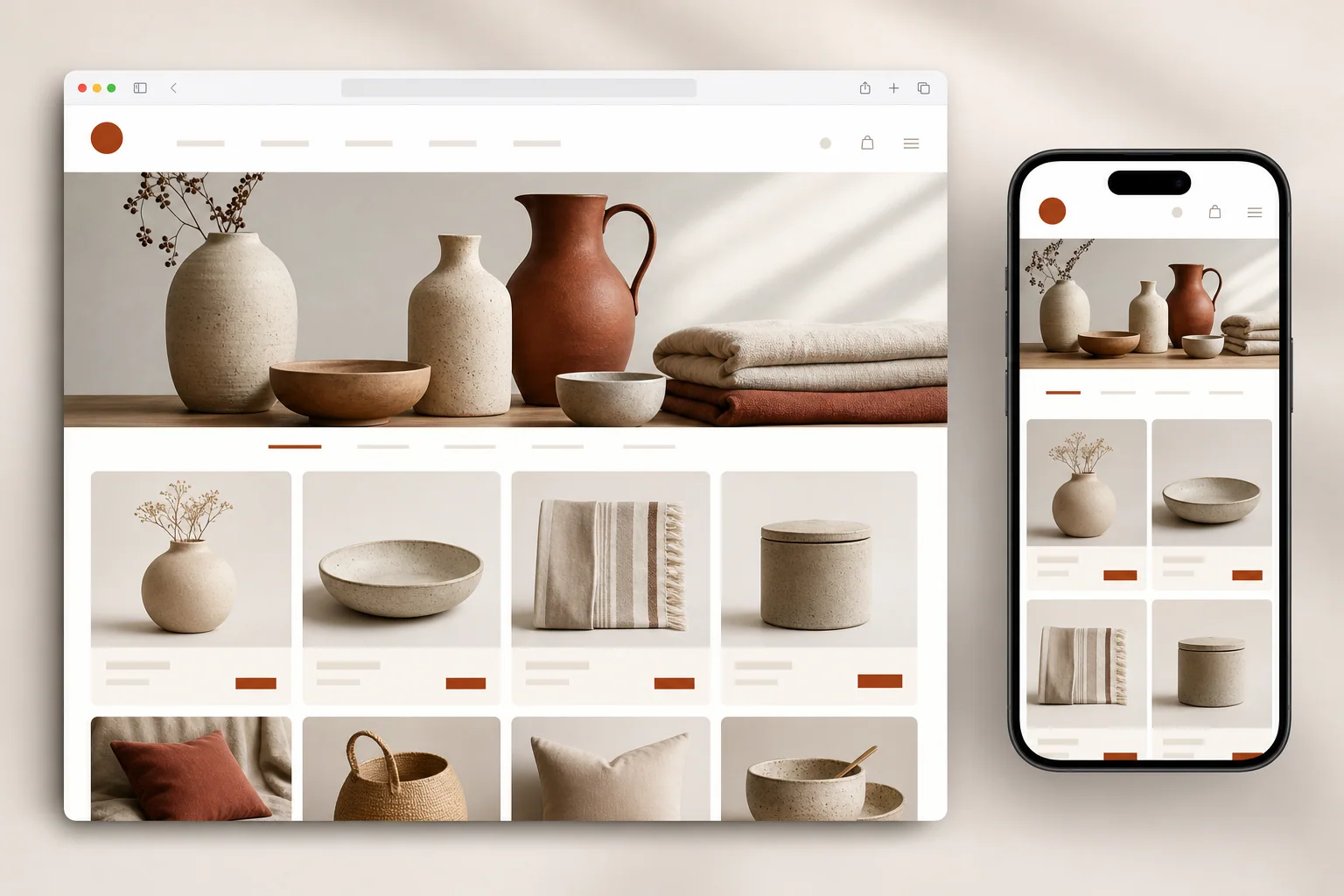
Websites
Thoughtful, responsive websites built around your business.
ExploreIndependent digital studio
Custom websites, business automations and apps for growing businesses. Built with a clear scope, thoughtful design and a plan for what comes next.
Thoughtful, responsive websites built around your business.
Explore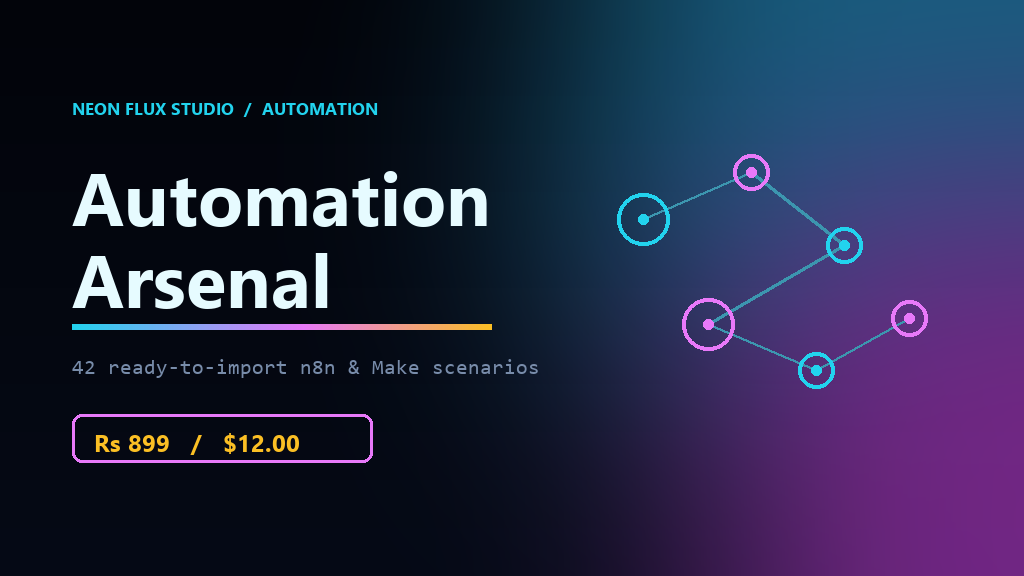
Make everyday workflows simpler and more reliable.
Explore
Useful app experiences designed for the people who use them.
Explore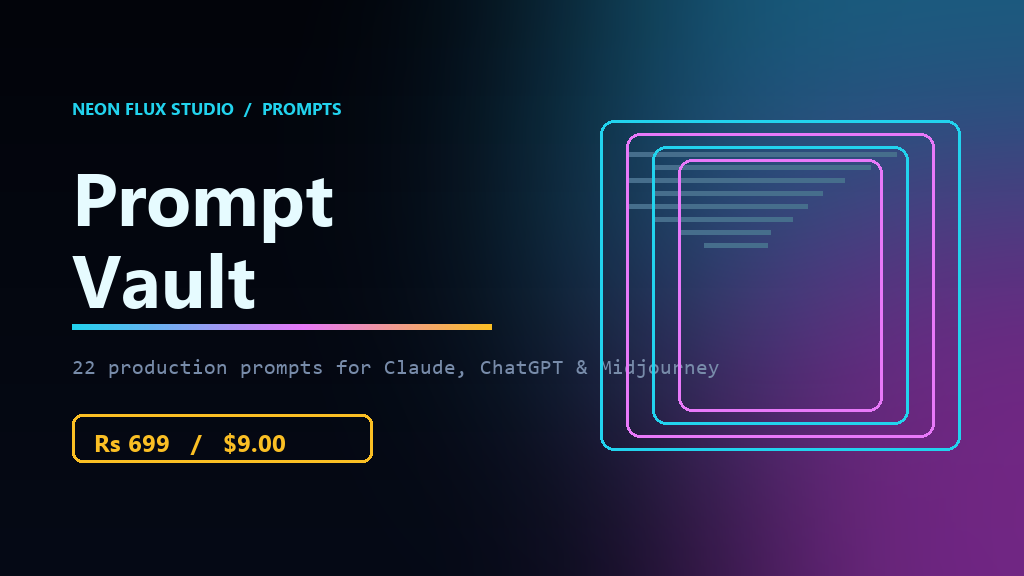
Browse practical digital tools and resources.
Explore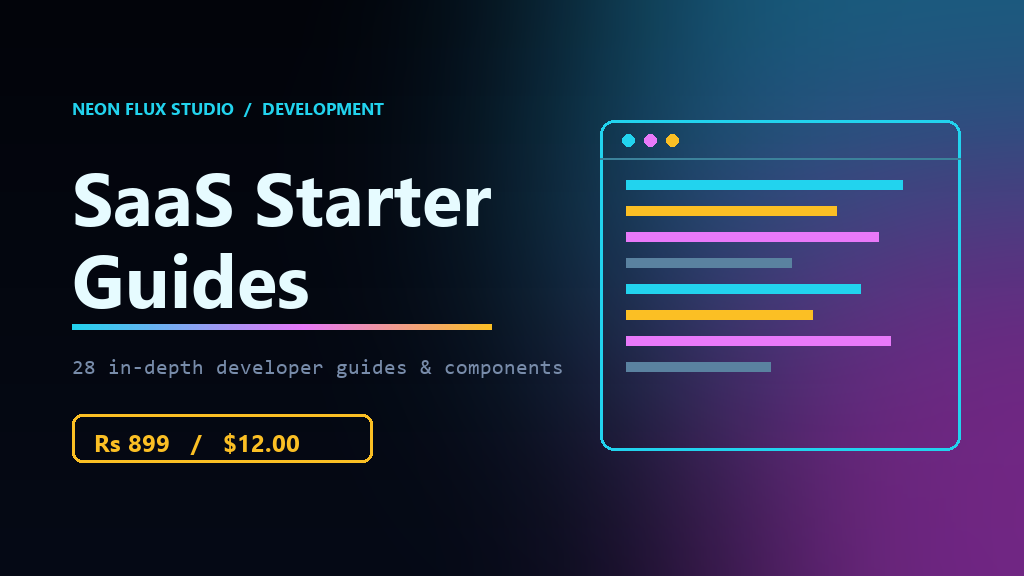
Step-by-step resources to help you build and launch.
Explore · ₹899A curated collection of prompts for creative work.
Explore · ₹699Ready-to-explore tools for smoother workflows.
Explore · ₹899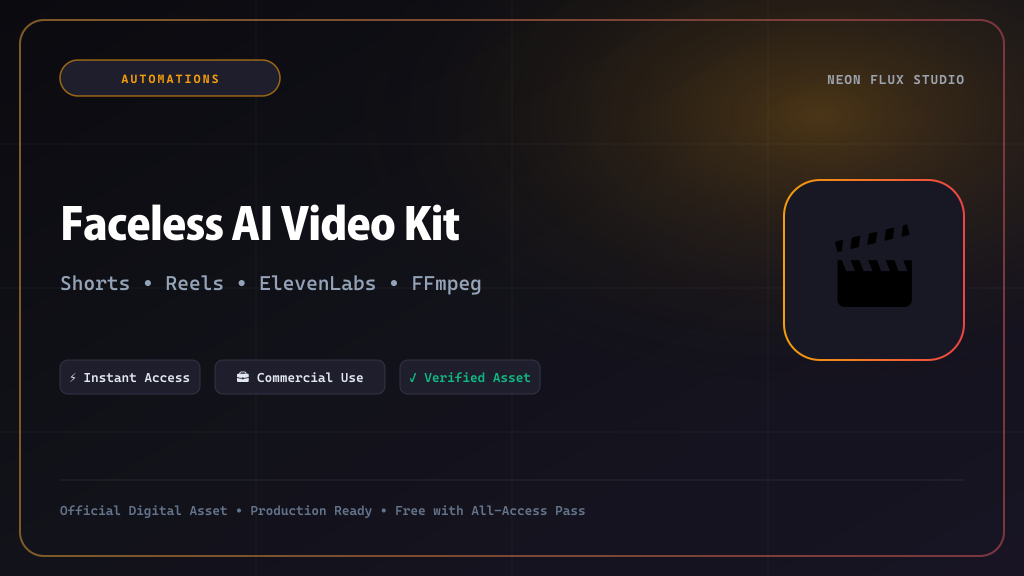
A practical kit for creating automated short-form videos.
ExploreA little idea. A big possibility.
Make your next move.
LET'S BEGINMade with purpose
From idea to experience
What we can build
From a first online presence to a useful app, explore the kind of support your idea might need.
01 / Website development
Create a clear, responsive home for your business—whether you need a focused landing page or a more complete website.
Selected experiences
Explore interactive concepts for different businesses. Each one shows how design and useful features can work together.
Concept projects, created for demonstration. These are not client projects.
 CONCEPT PREVIEW
01 / Beauty & wellness
A polished service menu that guides visitors toward an appointment.
 CONCEPT PREVIEW
02 / Food & hospitality
An inviting menu experience that helps guests discover what’s on offer.
 CONCEPT PREVIEW
03 / Real estate
A refined property search that makes enquiries feel effortless.
 CONCEPT PREVIEW
04 / Fashion & couture
A fashion collection with a sample enquiry interaction.
 CONCEPT PREVIEW
05 / Events & weddings
An event showcase with a sample enquiry interaction.
 CONCEPT PREVIEW
06 / Fitness & wellness
A class discovery experience with a sample schedule and enquiry preview.
 CONCEPT PREVIEW
07 / Healthcare
A reassuring clinic experience with care specialties and an appointment enquiry.
 CONCEPT PREVIEW
08 / Photography
A visual-first photography portfolio for sessions, stories, and print enquiries.
 CONCEPT PREVIEW
09 / Facility management
A clear service overview for building operations, maintenance, and support.
Salon & spa · Fashion · Events · Facility management · Café · Real estate · Fitness · Health clinics · Photography · Ecommerce · Consulting
Client work
A selection of live websites created for businesses. Explore each project on its own site.
 LIVE PROJECTNF / 01
01 / Construction
A live website for AEW Constructions.
Visit live site LIVE PROJECTNF / 02
02 / Bridal fashion
A live fashion storefront for MS Couture.
Visit live siteLIVE PROJECTNF / 0303 / Cafe & hospitality
A live website for Fumarii Cafe & Kitchen.
Visit live site LIVE PROJECTNF / 04
04 / Fashion & retail
A live fashion storefront for XCLUSIVE by BLVCK.
Visit live siteBusiness automation
Practical workflows designed around the tools and processes you already use.
01 / CAPTURE
Connect an enquiry to a timely email or WhatsApp follow-up and an alert.
MAKE.COM · WORKFLOW
02 / ORGANISE
Keep invoice and payment updates together in a workflow built around your process.
N8N · WORKFLOW
03 / CONNECT
Build a consistent follow-up after a service and invite customers to leave a review.
MAKE.COM · WORKFLOW
04 / PUBLISH
Prepare one update for multiple channels and reduce repetitive publishing work.
N8N · WORKFLOW
MARKETPLACE WORKFLOW PREVIEW
Choose a workflow to explore its sample steps. These are visual demonstrations; they do not connect accounts or run automations.
Explore Automation ArsenalN8N · EXAMPLE WORKFLOW
Form submitted
TRIGGER
Sort & route
PROCESS
Notify your team
ACTION
A sample Typeform-to-CRM workflow routes a new lead to the right place.
Made by the studio
From a published game to practical tools and resources, explore what the studio has created.
PUBLISHED GAME
A dimension-shifting endless runner built, published and maintained by the studio.
Explore the gameONLINE TOOL
A simple online workspace to convert and compress everyday files.
Explore FileFlowRESOURCES
Developer tools, UI kits, prompts and automation resources from the studio.
Browse resourcesDigital tools and resources
Browse software resources, workflow automations, UI kits, and developer tools published by Neon Flux Studio.
Developer Tools
SaaS Starter Guides 28 In Depth Developer Guides & Components Every guide ships with the code it described. A bundle of the practical guides we actually use: React and Tailwind components, Next.js configuration, Prisma schema and migration workflows, auth and payment wiring, Framer Motion transitions. Where the guide describes a real component or config file, that file is included and ready to drop into a project. What's inside (28 assets) Framer Motion Page Transition Guide Midjourney 3D UI App Icon Generator Midjourney Futuristic UI Dashboard Concepts Next.js API Route Rate Limiting Guide Next.js Image Optimization Checklist Next.js Internationalization Setup Next.js Internationalization Setup Next.js Mega Footer Component Guide Next.js SEO Metadata Dynamic Injector Next.js SEO Metadata Dynamic Injector Next.js Sitemaps and RSS Feed Generator Prisma Database Schema Migration Guide React Context API Theme Switcher React Custom Video Player Component React Drag and Drop Kanban Component React Infinite Scroll Gallery Component React JWT Authentication Flow Guide React Markdown Editor Component React Tailwind Pricing Toggle Component Supabase User Authentication Boilerplate Tailwind Animated Loading Spinners Tailwind Custom Checkbox and Radio Kit Tailwind Dark Mode Implementation Guide Tailwind Glassmorphism UI Kit Tailwind Neumorphism Form Elements Tailwind Responsive Grid Layout Pack Vercel Deployment and Domain Setup Guide Zustand State Management Starter Guide How to use it 1. Download the bundle from your Neon Flux account. 2. Unzip it every asset has its own folder with the deliverable and its guide. 3. For an n8n workflow: open n8n, go to Workflows Import from File and select workflow.json . For a Make.com scenario: open My Scenarios Import and select scenario.json . 4. Open the matching README.md in the same folder for the exact nodes, credentials and field mappings. 5. Run it once in test mode before switching it on. Licence Personal and commercial use for you and your clients, under the Neon Flux Studio Commercial Asset Licence. Reselling or redistributing the raw source files is not allowed. Full licence text ships inside the download as LICENSE.txt . Price: Rs 899 / $12.00 one payment, 28 assets, yours forever. Questions before you buy? Email contact@neonfluxstudio.in and we will tell you honestly whether one of these fits your stack.
View productPrompts
Prompt Vault 22 Production Prompts for Claude, ChatGPT & Midjourney Every prompt ships as a copy paste ready file, not a screenshot of one. Each folder holds a prompt.md with the real prompt text in a fenced block, the variables you fill in, worked examples, and the practical tips that decide whether the output is usable or generic. The matching README.md walks you through it. What's inside (22 assets) ChatGPT Customer Support Empathy Replier ChatGPT High Converting Email Sequence Prompt ChatGPT Investor Cold Email Framework ChatGPT Local Business Ad Copywriter ChatGPT Resume and Cover Letter Tailor ChatGPT Startup Pitch Deck Outline Generator ChatGPT Ultimate SEO Blog Writer Prompt ChatGPT Viral TikTok Video Concept Generator ChatGPT YouTube Script Hook Writer Claude 3.5 SaaS Landing Page Copywriter Claude Legal Privacy Policy Draft Generator Claude React Component Code Generator Claude SQL Database Schema Designer Claude Tailwind CSS Styling Assistant Claude Technical API Documentation Generator Midjourney 3D Character Mascot Generator Midjourney Abstract Corporate Logo Pack Midjourney Cyberpunk Neon Flux Backgrounds Midjourney E commerce Product Mockup Generator Midjourney Game Asset Sprite Generator Midjourney Isometric Web Design Assets Midjourney Minimalist Wireframe Sketch Generator How to use it 1. Download the bundle from your Neon Flux account. 2. Unzip it every asset has its own folder with the deliverable and its guide. 3. For an n8n workflow: open n8n, go to Workflows Import from File and select workflow.json . For a Make.com scenario: open My Scenarios Import and select scenario.json . 4. Open the matching README.md in the same folder for the exact nodes, credentials and field mappings. 5. Run it once in test mode before switching it on. Licence Personal and commercial use for you and your clients, under the Neon Flux Studio Commercial Asset Licence. Reselling or redistributing the raw source files is not allowed. Full licence text ships inside the download as LICENSE.txt . Price: Rs 699 / $9.00 one payment, 22 assets, yours forever. Questions before you buy? Email contact@neonfluxstudio.in and we will tell you honestly whether one of these fits your stack.
View productAutomations
Automation Arsenal 42 Ready to Import n8n & Make Scenarios 42 production automations, each with the importable file the page promised. Every automation in this bundle ships as an actual scenario file, not a description of one. Each folder holds a real workflow.json (n8n) or scenario.json (Make.com) you can import in one click, plus the matching setup guide with the exact nodes, credentials and field mappings. What's inside (42 assets) Claude Python Web Scraper Architect Make.com ActiveCampaign Tag Sync Make.com Asana Task Dependencies Sync Make.com Gmail to Todoist Task Creator Make.com Google Drive File Organizer Make.com Google My Business Review Auto Reply Make.com Intercom Chat to Zendesk Make.com LinkedIn Post Auto Liker Make.com Mailchimp Subscriber Sync Make.com Notion Habit Tracker Sync Make.com Pinterest Board Auto Pin Make.com Pipedrive Deal Stage Alerts Make.com QuickBooks Invoice Generator Make.com Stripe Failed Payment Reminder Make.com Trello Board Daily Digest Make.com Twilio SMS Marketing Campaign Make.com Webflow Form to Discord Make.com WooCommerce Review Request Automation Make.com WordPress Auto Publisher Make.com YouTube Comment Sentiment Tracker Next.js Sitemaps and RSS Feed Generator Stripe Checkout Webhook Integration Guide n8n Automatic Twitter Cross Poster n8n Competitor Website Price Scraper n8n Customer Feedback Sentiment Analyzer n8n Daily News Summarizer Email n8n Daily Weather SMS Alerts n8n Discord Community Welcome Bot n8n GitHub Issue to Jira Ticket Sync n8n Google Sheets to Email Invoice Generator n8n Invoice PDF Data Extractor n8n Meeting Transcript Action Item Extractor n8n Multi Platform Social Media Scheduler n8n OpenAI Support Ticket Classifier n8n RSS Feed to Telegram Alert System n8n Shopify Abandoned Cart Recovery n8n Stripe Payment Slack Notifier n8n Typeform to CRM Auto Routing n8n Weekly Server Health Check n8n WooCommerce Order Tracker n8n YouTube Video to Blog Post Converter n8n Zoom Recording Auto Uploader How to use it 1. Download the bundle from your Neon Flux account. 2. Unzip it every asset has its own folder with the deliverable and its guide. 3. For an n8n workflow: open n8n, go to Workflows Import from File and select workflow.json . For a Make.com scenario: open My Scenarios Import and select scenario.json . 4. Open the matching README.md in the same folder for the exact nodes, credentials and field mappings. 5. Run it once in test mode before switching it on. Licence Personal and commercial use for you and your clients, under the Neon Flux Studio Commercial Asset Licence. Reselling or redistributing the raw source files is not allowed. Full licence text ships inside the download as LICENSE.txt . Price: Rs 899 / $12.00 one payment, 42 assets, yours forever. Questions before you buy? Email contact@neonfluxstudio.in and we will tell you honestly whether one of these fits your stack.
View productAutomations
Build, scale, and automate faceless TikTok, YouTube Shorts, and Instagram Reels channels with Python and AI. Faceless social media channels generate millions of impressions and thousands in affiliate and sponsorship revenue. This complete automation kit lets you generate scripts, realistic voiceovers, animated subtitles, and background video montages in seconds. Features & Capabilities Viral Topic & Hook Ideation : Scrapes trending Reddit, Twitter, and Google Trends queries to formulate high retention 60 second video concepts. AI Voice Synthesis : Integrates with ElevenLabs API or free Edge TTS neural voices for realistic human narration with emotional pacing. Dynamic Word by Word Captions : Uses OpenAI Whisper to transcribe audio and output formatted animated subtitles (Alex Hormozi style). Automated Video Stitching : Leverages FFmpeg and MoviePy to automatically overlay voiceover, subtitles, background gameplay/cinematic footage, and subtle background music. Batch Export : Renders 10+ polished vertical 1080x1920 MP4 videos in a single automated command. Step by Step Fresher Setup Guide Step 1: Install Python & FFmpeg 1. Python Check: Make sure Python 3.10+ is installed ( python version ). If not, download from https://www.python.org. On Windows, check "Add Python to PATH"! 2. Install FFmpeg (Required for video encoding & rendering): Windows: Open PowerShell and run: winget install "FFmpeg (Essentials Build)" (or download from https://ffmpeg.org). Mac: Open Terminal and run: brew install ffmpeg . Linux: Run sudo apt update && sudo apt install y ffmpeg . 3. Set up project virtual environment: Step 2: Configure Your API Credentials (Step by Step for Every Key) Copy the .env.example file to create your active .env file: Open .env in any text editor and configure each key following these exact steps: Key 1: OpenAI API Key (Generates High Retention Viral Scripts) What it does: Creates scroll stopping 60 second video scripts with psychological hooks and strong calls to action. How to get your key: 1. Visit https://platform.openai.com and log in or create an account. 2. In the left navigation menu, click "API keys" (https://platform.openai.com/api keys). 3. Click "+ Create new secret key". 4. Name it shorts generator and click "Create secret key". 5. Copy your key (starts with sk proj ) and paste it into .env as OPENAI API KEY=your key here . 6. (Note for freshers: Make sure you have at least $5 of API credit under Settings Billing). Zero Cost Alternative: If you don't have an OpenAI key, leave it blank! The script includes 50+ built in viral templates and will automatically use high retention offline scripts. Key 2: ElevenLabs API Key (Ultra Realistic Human Voice Narration) What it does: Converts the script into human voiceover with breath pauses and natural inflections. How to get your key: 1. Visit https://elevenlabs.io and sign up for a free account. 2. Click on your profile icon in the bottom left corner of the dashboard. 3. Click on "API Keys" or "Profile + API key". 4. Click "+ Create API Key", give it a name, and copy the secret key. 5. In your .env file, paste: ELEVENLABS API KEY=your key here . 6. Choosing your Voice ID: In ElevenLabs, go to "Voices" "Explore". Pick any voice you like (e.g. "Rachel" or "Adam"). Click on the voice and copy the Voice ID (e.g. 21m00Tcm4TlvDq8ikWAM ). Paste it as ELEVENLABS VOICE ID=... . 100% FREE ZERO COST OPTION (No ElevenLabs Key Needed): If you do not want to pay for ElevenLabs, simply set VOICE ENGINE=edge tts in your .env ! Edge TTS uses Microsoft's neural voices (the exact voices used on TikTok and Edge browser). It is 100% FREE, requires NO API key, and provides unlimited voice generation without quotas! Step 3: Run the 10 Second Test Mode Verify your setup without using any API credits: This creates a sample 1080x1920 MP4 test video in the output/ folder with animated subtitles and test audio. Open output/test sample short.mp4 to verify! Step 4: Generating Full Automated Videos Generate 3 complete videos on any topic: Available CLI Flags: topic : The niche or topic of your video (e.g. "Space Mysteries", "Stoic Lessons", "Money Mindset") count : Number of unique videos to generate (default: 1) voice engine : Choose between edge tts (free) or elevenlabs (studio quality) style : Subtitle style: hormozi (yellow/white), neon (cyan glow), or minimal test mode : Runs offline demo without API calls Step 5: Adding Custom Background Videos 1. Open the assets/backgrounds/ directory. 2. Drop in any 9:16 vertical MP4 video clips (Minecraft gameplay, drone footage, satisfying ASMR, luxury cityscapes). 3. Check background video sources.md for a curated list of free 4K vertical footage archives! The script randomly picks background footage and loops it to match the exact duration of your audio narration. What's Inside the Download Complete Python automation pipeline ( generate shorts.py , voice engine.py , subtitles.py ) 50+ High Retention Hook Formula Prompts Curated index of 100+ royalty free 4K vertical background clips (Minecraft, GTA, Satisfying, Drone) Publishing schedule and YouTube Shorts algorithm optimization guide Full Commercial License Technical help: contact@neonfluxstudio.in
View productProject planner
Choose what you have in mind. Your selections become a simple project brief you can copy and share.
Select all that apply. It’s okay if you’re still figuring it out.
This is your planned budget, not a price quote.
Project discussions begin with a written scope and quote. A typical 2–4 week delivery is a planning range; timing depends on the project.
A simple way forward
Every project is different. The studio works directly with you from scope through launch.
01 / DISCOVER
Talk through your goals, audience, priorities and the problem you want to solve.
02 / DEFINE
Turn your needs into a practical plan, with the details, budget and timeline discussed upfront.
03 / CREATE
Move from concept to a considered digital experience, with room for feedback along the way.
Have an idea? Let’s make it move.
Start with a few details. We’ll take it from there.
Tell us what you need, your budget range, and your timeline. We reply within 48 hours.
Response time
We usually reply within 48 hours. If you have a deadline, include it in your project details.